How to Assign VST Physical Science Interactives
Select the topic from the left-side menu (Atoms & Matter, Energy, Forces & Motion, etc.).
Select Launch for a specific interactive to open it in a new tab.
Copy and share the interactive link with students through your LMS or classroom platform. No sign-in is required.
For credit: Many teachers ask students to screenshot the final page (in most interactives) and submit it as proof of completion.
Introduction to Matter
History of Atoms
Introduction to Atoms
Atoms Review
The Periodic Table Part 1
The Periodic Table Part 2
The Periodic Table Part 3
Periodic Table Escape Room
Periodic Table Bingo
Electron Configuration
Molecules
Chemical Formulas Part 1
Chemical Formulas Part 2
Count the Atoms Practice
Classifying Matter
Introduction to Density
Density Escape Room
States of Matter
Virtual Heating Ice Lab
Wild Wild Earth Part 1
Wild Wild Earth Part 2
Wild Wild Earth Part 3
Physical and
Chemical Changes
The Combustion
of Coal
Rust-Busters:
Stoichiometry Made Simple
Balancing Chemical Equations
Energy and its Many Forms
Potential and Kinetic Energy
Balanced and Unbalanced Forces
Forces and Motion
Challenge
Bridges
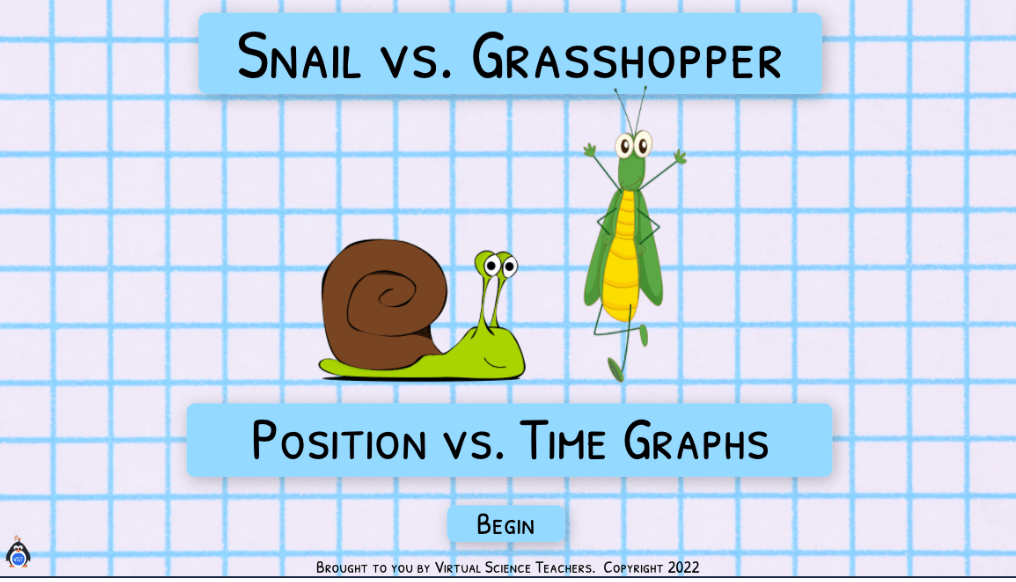
Position vs. Time Graphs
Distance-Time Graph Review
Converting Distance Units
Magnetism
The Great Light
Escape Room
Mechanical Waves
Electromagnetic Waves
Waves Communication
CER: Frequency & Wavelength
Waves Review
Whole or part of this STEM programming was made possible
by the Virginia General Assembly for COVA STEM Hub for regional activities and programming.